

Deals and guides connected live

flight price alerts google

Flight price alerts Google

How Google's flight price alerts work, their limits, and how to combine them with wider fare checks.

Flare Travel Desk · · 1159 words

Flight price alerts Google
Photo: Matt Hardy · Pexels
Editorial scope: Flare explains fare discovery and travel planning with clear caveats: prices and availability can change before booking.

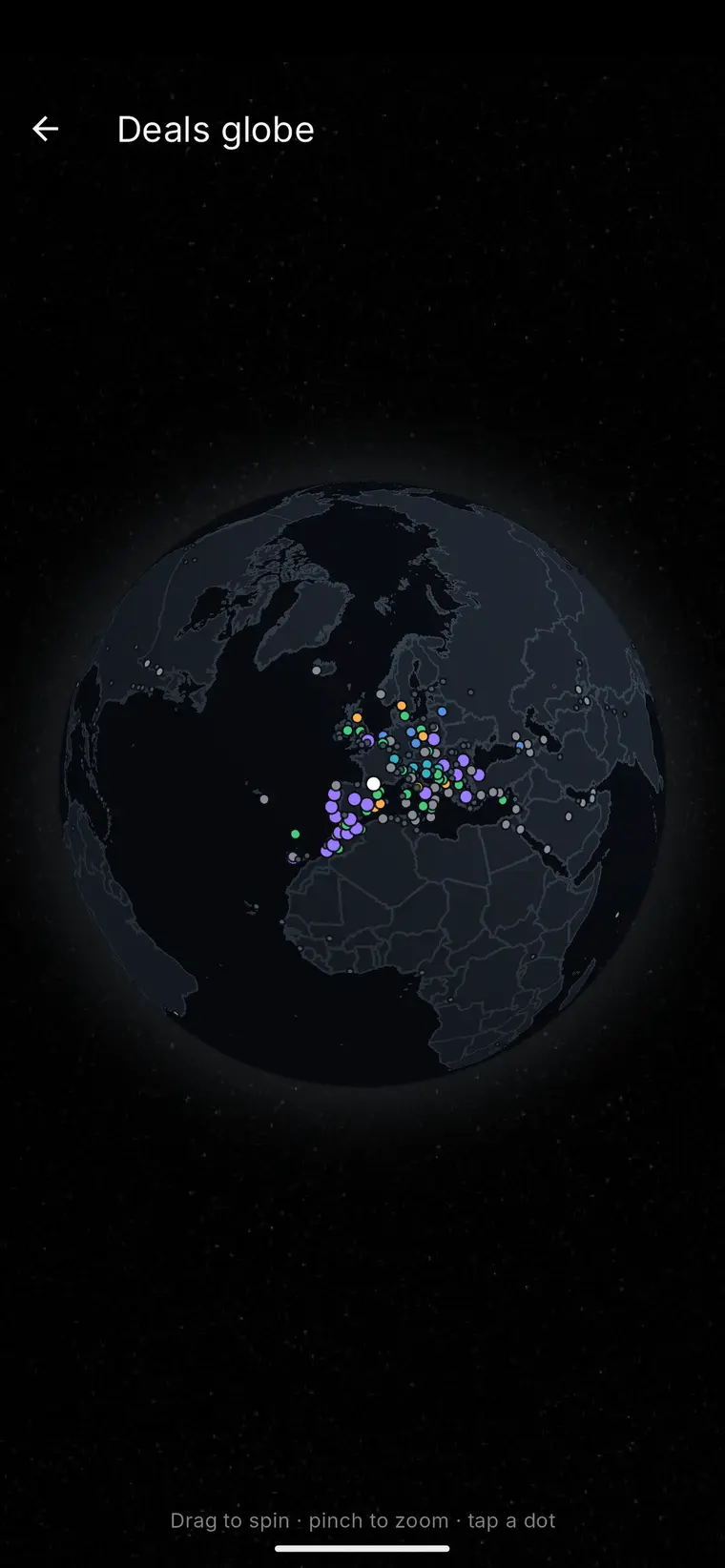
Live destination map

Fare data meets travel intelligence

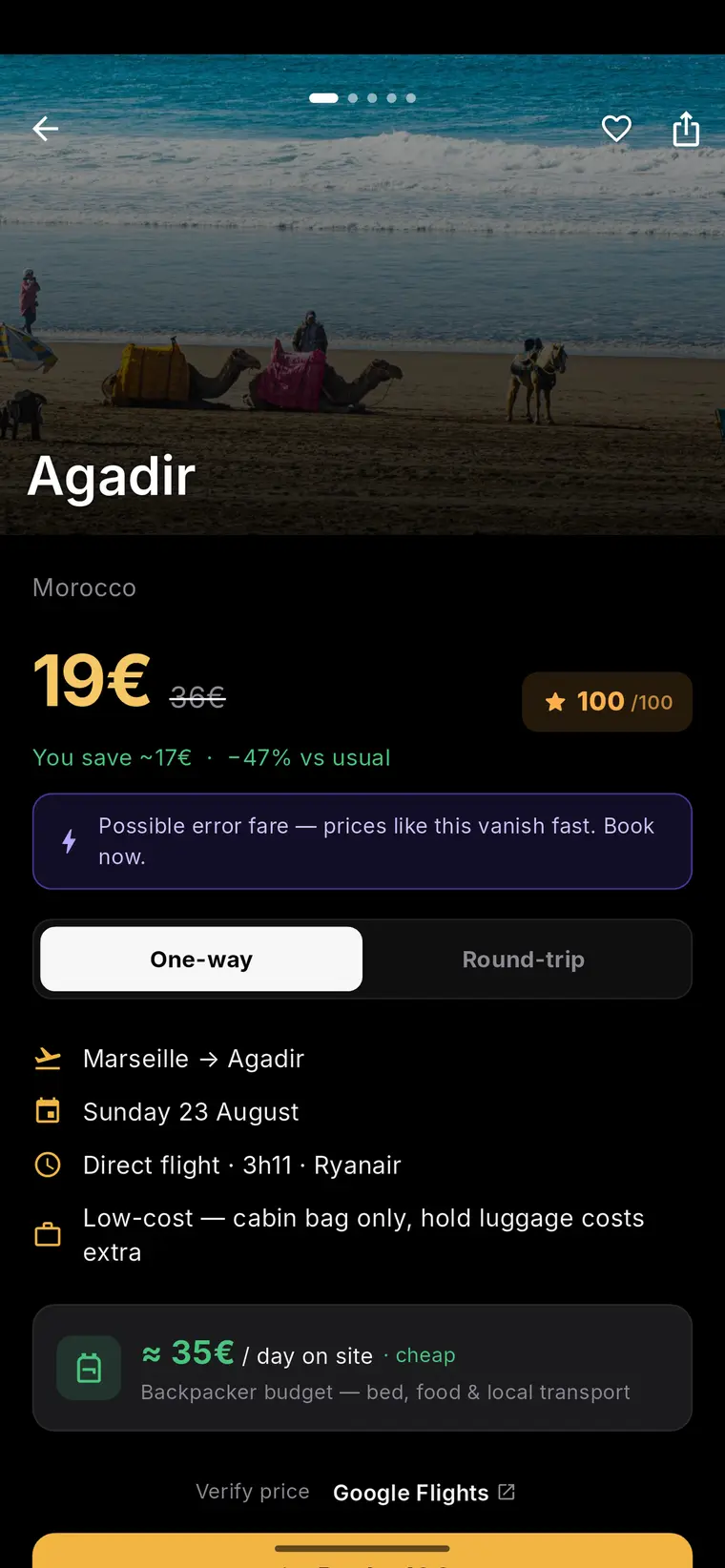
Move from a current fare signal to a photographed destination page, then use Flare guides to evaluate the complete trip.


What flight price alerts google actually track

When people search for flight price alerts google, they usually want to know whether the feature will notify them at the right moment to book. Google Travel lets a traveller track a specific flight or route and receive notifications when the tracked price rises or falls. It is built around the itinerary the user selects - a given set of dates, cabin class, and often a specific outbound/return combination - rather than an open-ended scan of every possible way to fly a route.

This matters because the alert is only as useful as the search it is attached to. If someone tracks one date pairing, they will not be told that shifting departure by two days would have been cheaper, because that is a different itinerary. Understanding this scope is the first step to using the tool well: it is a monitor for a chosen search, not a general market radar.

Where the limits show up in practice

Any price-tracking tool, including Google's, depends on live airline inventory that can change without warning. A fare shown in an alert can sell out, reprice, or be restricted by fare rules before checkout completes. This is a structural feature of airline distribution, not a flaw specific to one platform, and it applies whether the alert comes from Google, an airline's own app, or a third-party fare-tracking service.

A second limit is scope: alerts tied to a fixed date pair will miss cheaper nearby dates unless the traveller runs a flexible-date search or repeats the check across a date range. Someone comparing several possible weekends for a trip may need to set up several tracked searches, or periodically browse a flexible calendar view, to get a fuller picture rather than relying on a single alert.

Building total-trip context around a fare

A headline flight price is only one part of a trip's real cost. Baggage allowances, seat selection fees, connection times, and the cost of getting to and from airports can shift the comparison between two seemingly similar fares. A reader treating flight price alerts google as their sole planning input risks anchoring on the fare number while overlooking these practical add-ons.

It is worth pairing any alert with a short mental checklist before booking: does the itinerary include checked baggage if needed, is the layover long enough to be comfortable, and does the total door-to-door cost still make sense next to the alternative dates or airports considered. This total-trip framing keeps the alert useful as a starting signal rather than a final verdict.

Worked example: comparing an alert against a broader scan

Consider a hypothetical traveller in Lyon who sets a Google Travel alert on a fixed Lyon–Lisbon date pair for a long weekend. Two weeks later the alert notifies them of a modest price drop. Before booking, they widen their view: they check a flexible-date calendar for the same route across a broader window, and they look at Flare's departure-city discovery page for Lyon, which documents in its methodology that surfaced deals are flagged when detected at least 30% below the route's monitored reference price.

In this example, the alert confirmed a real price change on the specific dates tracked, while the wider scan revealed whether that particular date pair was actually the strongest option available that month, or simply the cheapest version of the one itinerary being watched. This is illustrative only - it does not represent an observed or tested outcome, and any reader following a similar approach should still confirm the fare directly with the booking provider before paying.

  • Set the alert on the itinerary that matters most, but don't assume it covers nearby dates
  • Cross-check with a flexible-date or departure-city view before committing
  • Confirm baggage, seat, and connection details, not just the headline price
  • Reconfirm the fare and availability with the airline or agent at checkout

How Flare fits into this picture

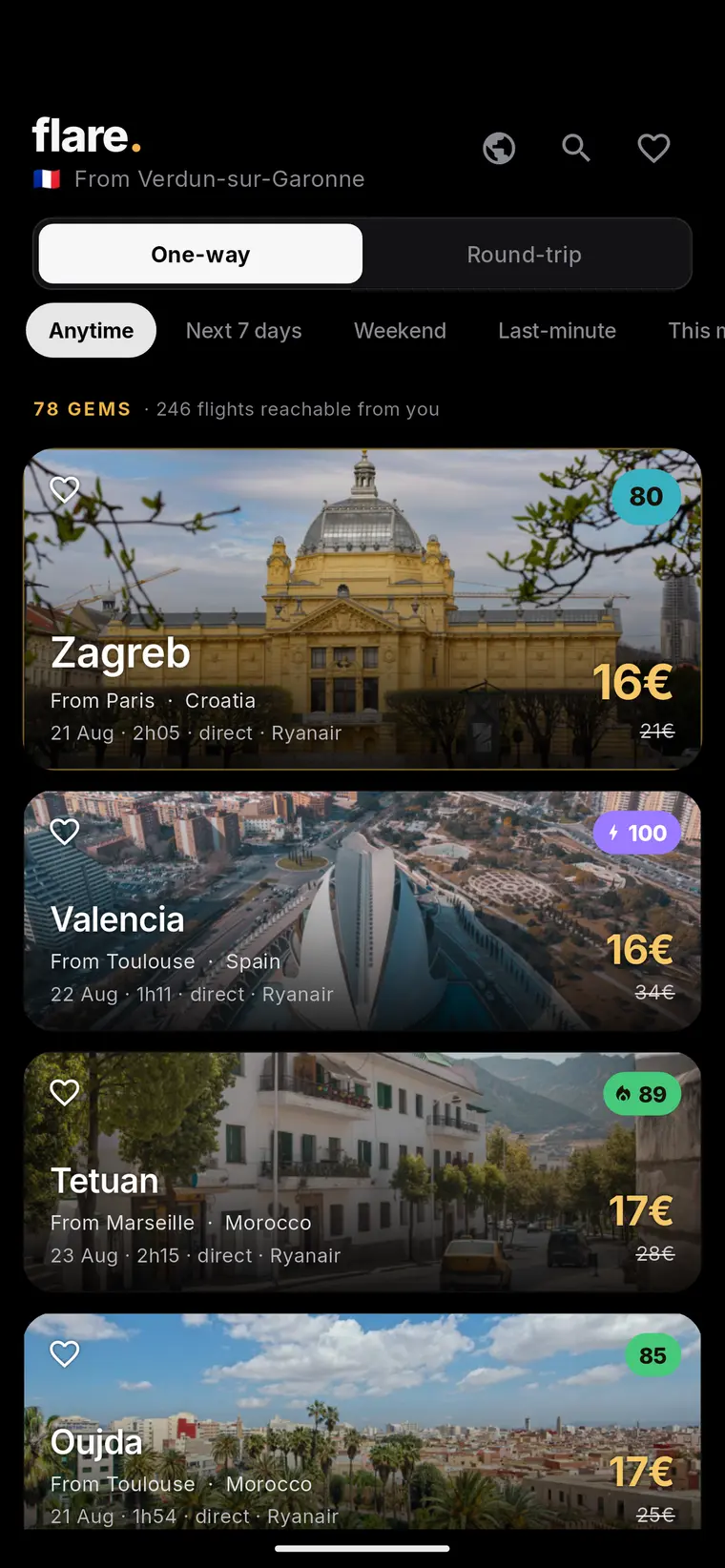
Flare is a flight-deal discovery service that builds pages from a traveller's departure city, surfacing routes where the fare shown is detected at least 30% below the reference price used in its monitoring, as described in its published methodology. It is a discovery layer, not a price-tracking notification tool in the same sense as Google Travel's alerts - it is better suited to browsing what looks unusually cheap from a home airport than to watching one specific date pair over time.

Because of that, a practical combination for a flexible traveller is to use Flare to notice which routes or windows look worth a closer look, and to use an alert-style tool for the itinerary they are seriously considering booking. Either way, every fare and seat availability figure still needs confirmation with the booking provider before payment, since displayed prices can change.

A simple decision checklist

Readers who want a repeatable process rather than a one-off check can use the following short checklist whenever they see a price-alert notification or a discovered fare, from Google or elsewhere.

This checklist is meant as a practical aid, not a guarantee that any fare will remain available at the stated price.

  • Confirm the alert or listing matches the exact dates, airports, and cabin class intended
  • Check whether nearby dates or a flexible search would change the comparison
  • Add baggage, seat, and connection costs into the total before comparing options
  • Verify current passport, visa, and entry requirements for the destination directly with official sources
  • Book only after confirming the live price and availability with the airline or travel provider

Frequently asked questions

Do flight price alerts google cover every date for a route automatically?

No. Google Travel alerts are generally tied to the specific itinerary a traveller searches and tracks, such as a fixed date pair, so they will not automatically surface cheaper nearby dates unless the traveller sets up a flexible-date search or checks a calendar view separately.

Why might a tracked price differ from the price shown at checkout?

Airline fares and seat availability can change quickly due to live inventory shifts, so a price shown in an alert or discovery page can rise, sell out, or carry different fare rules by the time someone reaches checkout. Confirming the current price and terms with the booking provider before paying is a necessary step regardless of which tool surfaced the fare.

Is a low fare alert enough information to book a trip on its own?

Not on its own. A fare alert reflects the ticket price for a specific itinerary, but a full trip decision should also account for baggage and seat fees, connection times, total door-to-door cost, and current entry or visa requirements for the destination, which travellers should verify with official sources before booking.

Sources and further reading

These resources provide the wider reference frame. Product statements on this page are limited to the public information provided by Flare.

Who, how and why

Editorial responsibility: Flare Travel Desk

An automated assistant prepared a first draft. It then passed the published structure, similarity and unsupported-claim checks. Please report any useful correction through the main site.

Method, checks and corrections

FlareSee today's deals