


Hopper vs Google Flights: start with the alert workflow
For travellers comparing flexible flight ideas, Hopper vs Google Flights is less about declaring a universal winner and more about choosing a workflow that fits the decision you need to make. Both brands publish information about flight-related price tracking or planning, but product details can change. Check Hopper’s official site and Google’s tracked-flight-prices help page before relying on a particular setting, notification or booking path.
A useful first question is whether you already have a defined route and travel window. If you do, an alert workflow can help you keep an eye on fare movement while you consider the rest of the trip. If your dates, destination or departure city are still flexible, begin by narrowing the travel idea first; otherwise, alerts may multiply without helping you choose.
- Defined route and dates: set a focused tracking routine and decide what change would prompt action.
- Flexible trip idea: compare several plausible options, then track only the shortlist.
- Near-term departure: include time for passport, entry, visa and health checks before treating a fare as actionable.
How Google Flights tracked prices can fit
Google’s official guidance describes tracked flight prices and explains that travellers can turn tracking on for selected flights or routes, including an option for dates. That makes Google Flights a natural fit when your main task is monitoring a clearly stated itinerary or a limited group of itinerary variations. Review the official Google guidance for the current setup and notification behaviour.
The practical value of a defined tracking setup is discipline. Instead of repeatedly searching without a plan, write down the route, date range, cabin preference and number of travellers you are considering. When an alert arrives, compare the result against those same conditions. A lower displayed fare is not automatically a better total-trip choice if it changes airports, stopovers, baggage assumptions, timings or the amount of flexibility you need.
Tracked prices are a signal to revisit the decision, not confirmation that a ticket is still purchasable on the same terms. Before booking, confirm the fare, availability, itinerary and conditions directly with the booking provider.
- Use a named itinerary brief: departure airport, destination, dates and traveller count.
- Keep alternatives separate, such as a weekend option and a longer-stay option.
- Recheck the complete itinerary and booking conditions when a notification prompts action.
Where Hopper may fit in a planning routine
Hopper’s official site is the right place to verify its current travel-planning and price-alert offering. In a comparison workflow, Hopper can be considered when you want to assess the planning experience it currently presents alongside your own route, dates and budget boundaries. Avoid assuming that a feature described today will remain unchanged; review its official information when you are ready to use it.
The decision is often not about using only one source. A traveller may use a route-focused tracker for a chosen itinerary and also keep a separate planning view for alternative dates or destinations. The important part is to avoid treating alerts from different services as directly comparable unless the searched journey, passenger details, travel dates and fare conditions match.
This comparison should stay grounded in what alerts can and cannot do. They can help organise attention around changing fares. They do not remove the need to evaluate total trip cost, airport transfers, accommodation timing, baggage, change conditions and the practical requirements of entering a destination.
- Verify Hopper’s current alert and booking information on https://hopper.com/.
- Match route and dates before comparing displayed fares across services.
- Use alerts to support a decision process, rather than as a promise that a price will hold.
Compare total-trip context, not only the alert
A flight alert is only one part of a travel decision. Two fares that appear similar can lead to different total costs and practical trade-offs. One itinerary may depart from a more distant airport, arrive late enough to require an extra night of accommodation, or include conditions that do not suit your plans. Put those details beside the fare before deciding.
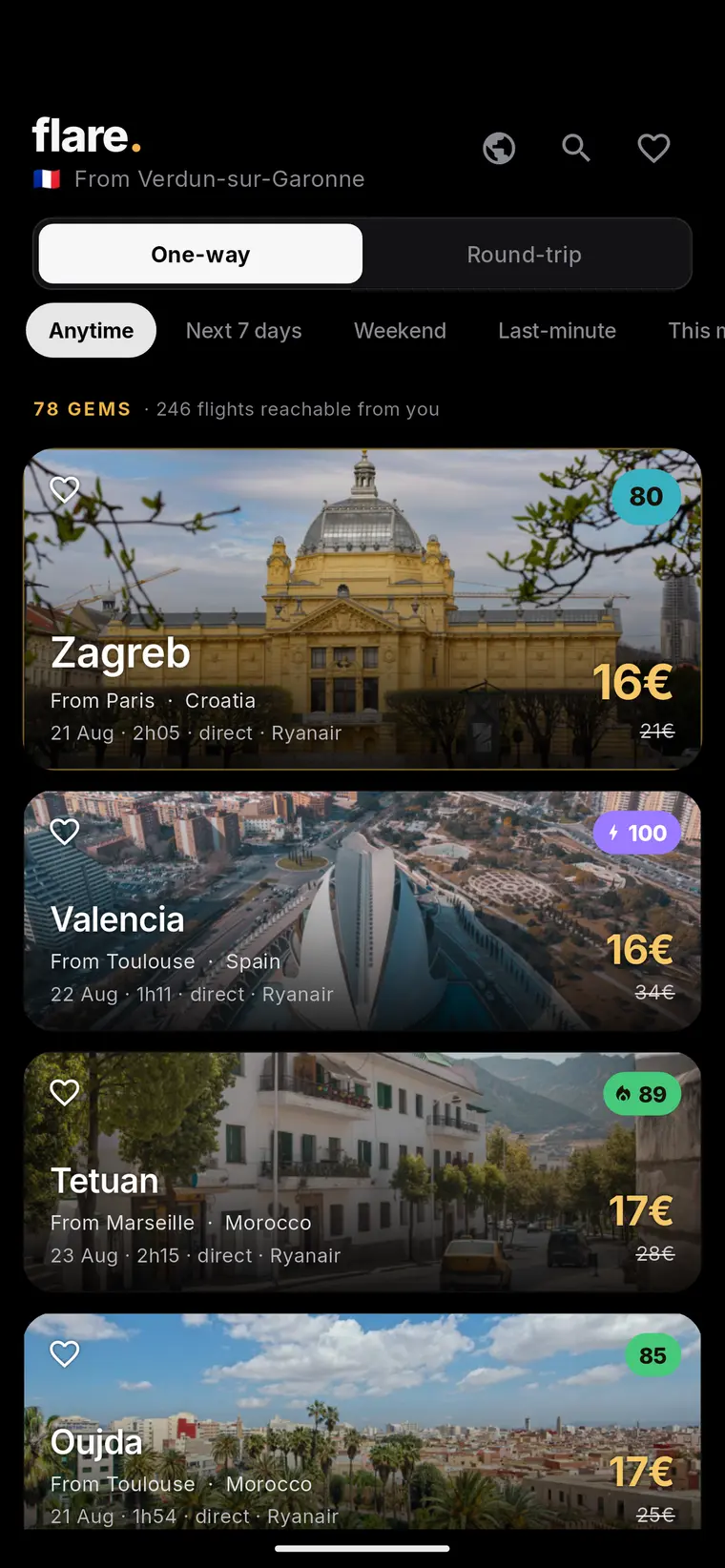
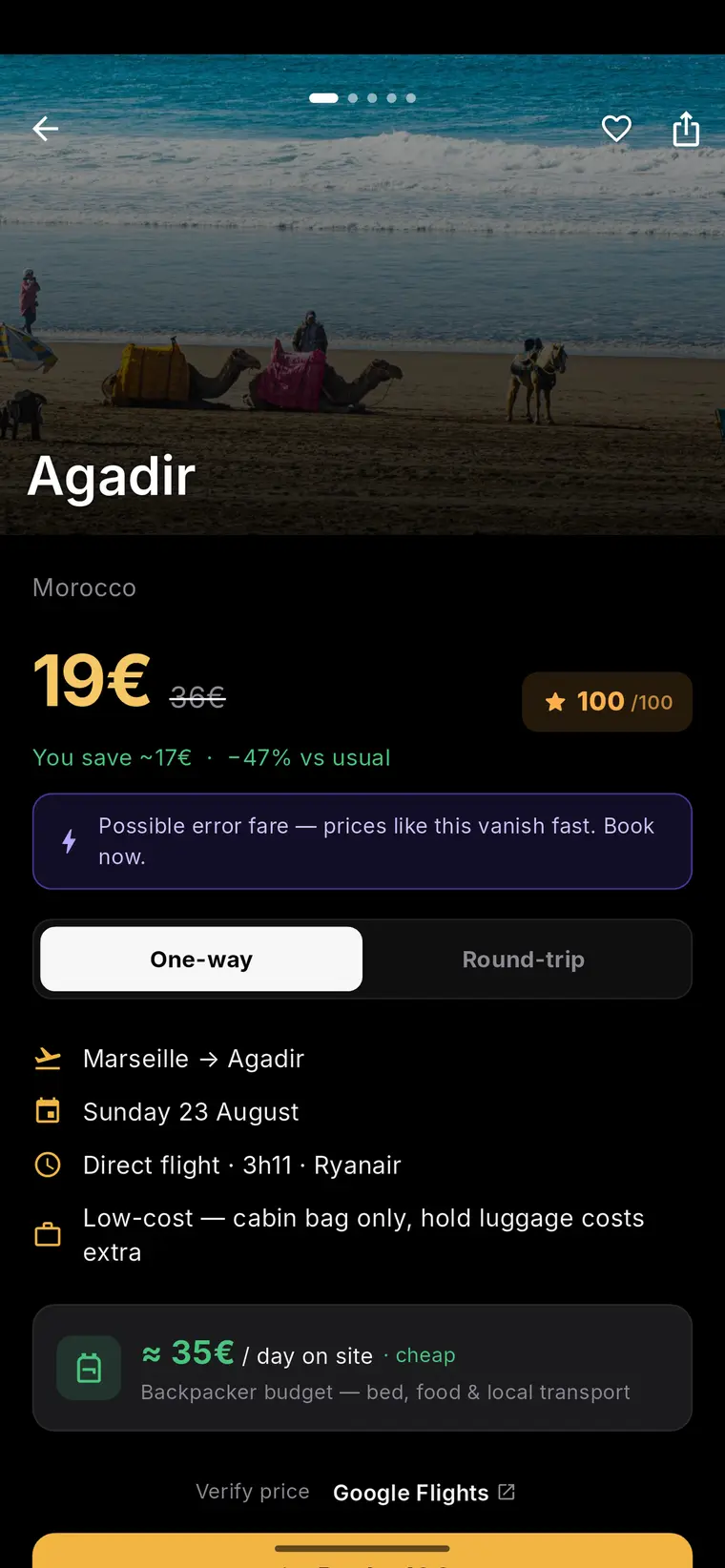
Flare’s public product context is fare discovery pages based on a traveller’s departure city. That can be useful at the earlier stage, when you are looking for possible flight ideas from where you live. It does not make a displayed fare a booking guarantee: fares and availability can change and must be confirmed with the booking provider.
For international trips especially, a low fare should never be the final checkpoint. Entry, passport, visa and health requirements depend on both the traveller and the destination. Verify current official requirements before booking and again before departure, because these requirements can change.
- Fare and availability at the booking provider
- Departure and arrival airports, times and connections
- Baggage, change and cancellation conditions
- Airport transfers, accommodation timing and other trip costs
- Current official passport, entry, visa and health requirements
Example: a simple decision aid for a flexible traveller
Example only: Maya is choosing between a three-night city break and a five-night trip from her departure city. She has not committed to dates, but she knows that a very early departure would require an overnight airport stay. She first uses fare discovery ideas to create a short list of destinations and date combinations, then chooses the most realistic options to track through the current Hopper and Google Flights workflows described on their official pages.
Maya records each option in a small note: route, dates, traveller count, fare seen, airport transfer estimate, baggage needs, arrival time and a reminder to check official entry requirements. She decides in advance that an alert is worth acting on only if the full itinerary is suitable and the booking provider still shows the fare.
This example does not predict which service will surface a particular fare or notification. Its purpose is to show how a flexible traveller can turn price alerts into a repeatable comparison process rather than reacting to every change.
- Shortlist no more routes than you can evaluate carefully.
- Set a personal action rule before alerts arrive.
- Confirm the live fare and all conditions with the booking provider.
- Complete current official travel-requirement checks before booking or departure.
A practical choice between Hopper and Google Flights
Choose the current Google Flights tracked-prices workflow if your central need is to monitor a selected flight or route and you want to use the setup described in Google’s official help documentation. Choose the current Hopper workflow if its official site presents the planning or alert approach that better matches how you want to organise your trip options. In either case, verify current product details at the source rather than relying on a comparison article for changing features.
Many travellers will benefit from a combined approach: discover possibilities from their departure city, narrow the list using total-trip constraints, and then track the few itineraries they would genuinely book. Flare fits the discovery stage by publishing flight-deal discovery pages from a traveller’s departure city; it should be used with the clear understanding that displayed fares and availability can change.
The most reliable outcome is not the fastest response to an alert. It is a booking decision made after checking the live provider price, itinerary conditions, total-trip implications and current official travel requirements. That keeps fare discovery useful without overstating what any alert can guarantee.
- Verify Google’s current tracking instructions: https://support.google.com/travel/answer/6235879
- Verify Hopper’s current product information: https://hopper.com/
- Confirm every displayed fare and availability with the booking provider before booking.
Live destination map
Fare data meets travel intelligence
Move from a current fare signal to a photographed destination page, then use Flare guides to evaluate the complete trip.



Frequently asked questions
Is Hopper or Google Flights better for flight price alerts?
Neither is universally better. Google Flights may suit a defined route or selected itinerary through its current tracked-prices workflow, while Hopper may suit travellers whose preferred planning workflow matches its current official offering. Compare the live product details on both official sources and choose the process that helps you evaluate complete trip conditions.
Can I rely on a flight price alert as a booking price?
No. A price alert can prompt you to check an itinerary, but displayed fares and availability can change. Confirm the live fare, availability, itinerary and booking conditions directly with the booking provider before purchasing.
What should I check besides the airfare before booking?
Check airports, flight times, stops, baggage, change and cancellation conditions, ground transport and accommodation implications. Also verify current official passport, entry, visa and health requirements for the traveller and destination before booking and before departure.
Sources and further reading
These resources provide the wider reference frame. Product statements on this page are limited to the public information provided by Flare.