

How to search flights without dates: start with a window, not a blank
If you want to know how to search flights without dates, it helps to define what flexible means for you. Very few travellers are free on any day of the year. Most have a range, such as a free month, a school holiday or a stretch between two commitments. A good flexible search turns that range into a set of comparable options rather than leaving the date field empty and hoping for the best.
Before opening any search tool, write down three things: the earliest day you could leave, the latest day you must be back, and the trip length you would accept. A rule like 'five to eight nights, sometime in March' is far easier to search than 'whenever'. It also stops a low fare from pulling you into a trip that does not fit your life.
Using calendar and price-graph views to compare days
Many flight search tools show prices across several days at once instead of asking for one fixed date. Google's help page for Google Flights, at the time of writing, describes an interactive calendar and a price graph for finding lower fares, with the lowest total price shown for each day once you choose your route. That kind of view is the practical core of a dateless search: you pick the route, then let the calendar show you which days look cheaper.
Read those views as a guide to patterns, not as a final quote. The same help page notes that its flight prices are refreshed roughly once every 24 hours, so a figure on the calendar may not match what you see when you select the flight. Once a day stands out, open the full result and check stops, flight times and duration using the filters before deciding it is the right option.
When the destination is open too
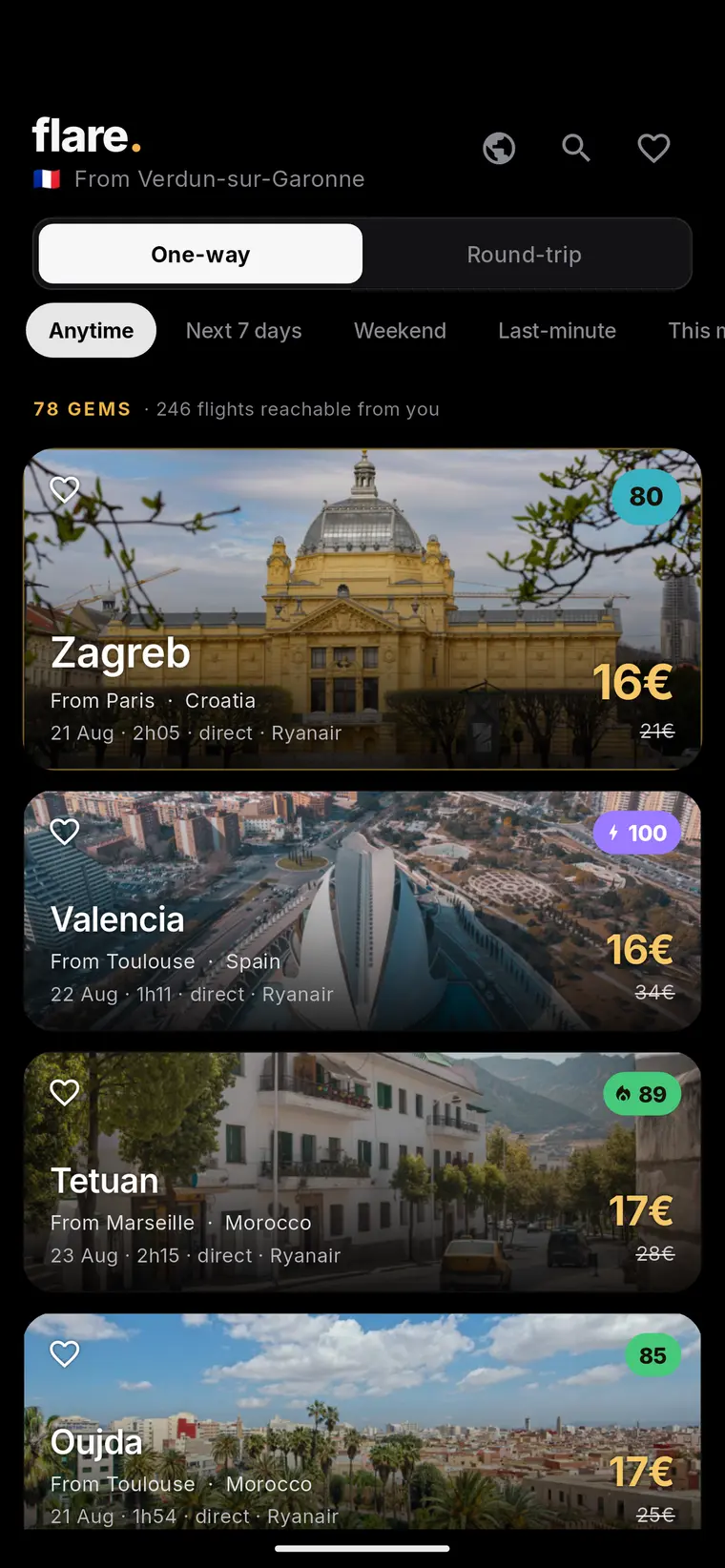
Some travellers are flexible on both the date and the place. In that case, start from where you will leave. Google's help page mentions finding destinations through a list of popular places or a world map once a departure point is entered, which suits travellers who want to see what is reachable before choosing where to go.
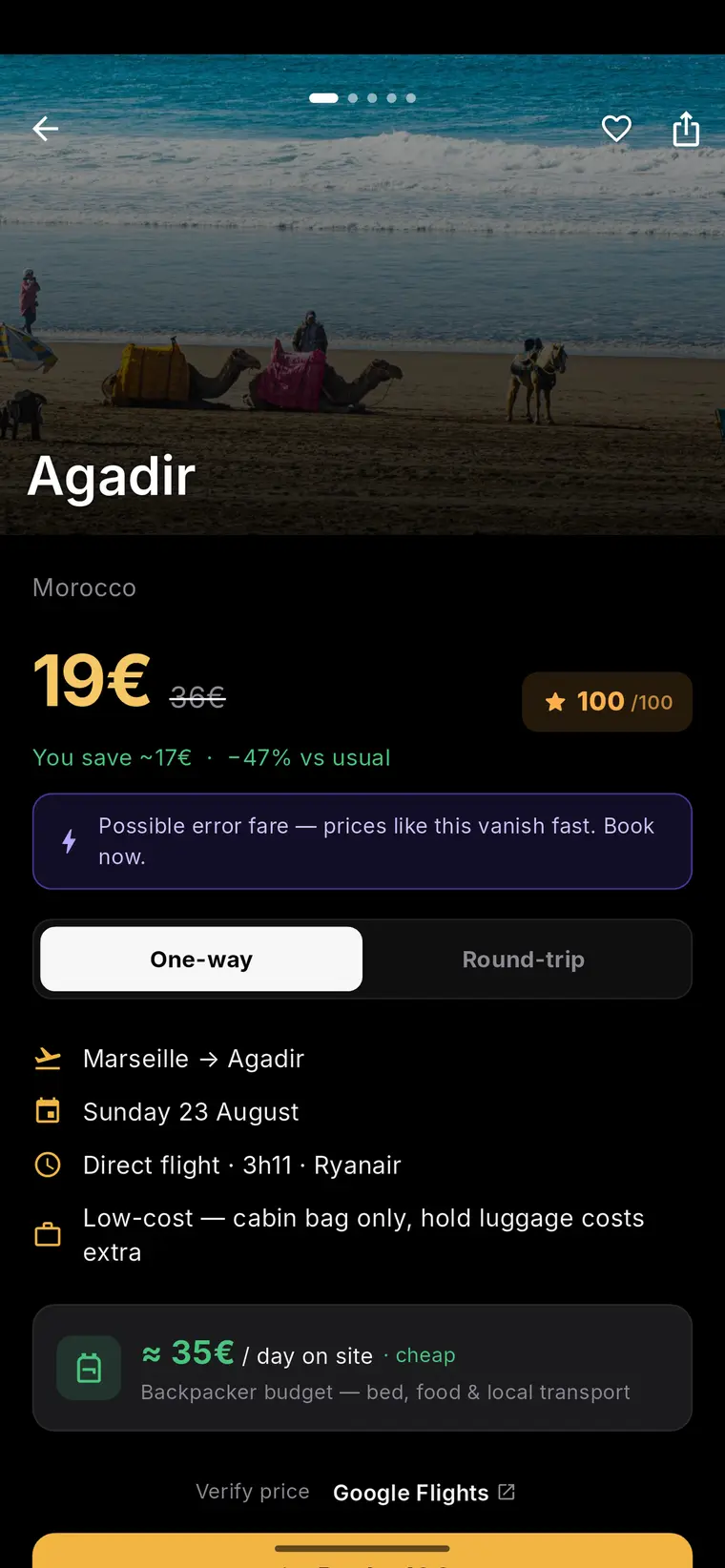
Flare takes a similar starting point: its discovery pages are organised by departure city, and its methodology explains that a deal only appears when its fare sits at least 30% under the reference price its monitoring uses for that route. That makes it a way to spot candidate trips, not a place to confirm them, so any idea you find still needs to be checked with the provider that actually sells the ticket.
Reading a low fare without overtrusting it
A price that looks low on a flexible search answers one question: this fare was cheaper than others at the moment the data was collected. It does not tell you the seat is still there, which bags are included, or whether the timing works. Fares and seat availability move, sometimes within hours, so the only number that counts is the one the booking provider shows at checkout.
It also helps to ask what 'cheap' is being compared to. Flare's methodology describes its reference as a median of observed prices for the route, with the most extreme observations trimmed, and states that its public pages are timestamped observations rather than bookable quotes. Whichever tool you use, look for that kind of explanation, and treat any discount label as a reason to investigate, not a promise.
Total-trip context and current official checks
The cheapest flying day is not always the cheapest trip. A very early departure may need a taxi or a hotel night near the airport. A one-stop itinerary may add a long layover. Accommodation, time off work and luggage fees can all outweigh a small fare difference, so compare whole trips rather than ticket prices alone.
Flexibility also changes which rules apply. Entry, passport, visa and health requirements depend on who is travelling and where they are going, and they can differ by date or route, including transit points. Check the current official sources for your nationality and destination before you book, and again shortly before you leave.
Example: a decision checklist for one flexible search
Example (hypothetical): a traveller has a free window in late spring, wants a city break of four to six nights, and is open about the destination. They enter their home city, browse the map for reachable places, and shortlist three cities. For each one, they open the price calendar and note the two or three cheapest departure days inside their window that allow a stay of the right length.
Next, they compare those options as whole trips. One cheaper day lands after midnight, so they add a hotel night and a taxi, which removes the saving. Another needs a connection with a short layover, which they decide is not worth the risk. The option they keep is not the lowest fare on the calendar but the lowest total cost that fits their schedule, and they confirm the price, baggage terms and entry rules before paying.
- Set an earliest departure, latest return and acceptable trip length.
- Use calendar or price-graph views to find cheaper days within that window.
- Open each shortlisted result and check stops, times and total duration.
- Add airport transfers, extra nights, bags and time off to the comparison.
- Confirm the fare and availability on the booking provider's own page.
- Verify current official entry, passport, visa and health requirements for every traveller.
Live destination map
Fare data meets travel intelligence
Move from a current fare signal to a photographed destination page, then use Flare guides to evaluate the complete trip.



Frequently asked questions
Can you search for flights without choosing exact dates?
Yes. Many flight search tools let you compare prices across a range of days through a calendar or price graph, so you can pick your route first and then choose the cheaper days. Setting a travel window and an acceptable trip length beforehand makes the comparison much more useful.
Why does the price change when I click on a cheap day in a flight calendar?
Calendar views often rely on data collected earlier, and fares and seat availability can change in the meantime. The price that matters is the one the airline or booking provider shows when you check out, so always confirm it there before treating a fare as final.
What should I check before booking a flight I found with a flexible search?
Confirm the current fare and availability with the booking provider, review baggage rules, stops and timings, and add costs such as airport transfers or extra nights. Also check the latest official entry, passport, visa and health requirements for each traveller and destination.
Sources and further reading
These resources provide the wider reference frame. Product statements on this page are limited to the public information provided by Flare.